HemiSync Software Platform
HemiSync
1 / 8
IN-FOCUS Documentation
IN-FOCUS
Step 1

AI-Powered Documentation

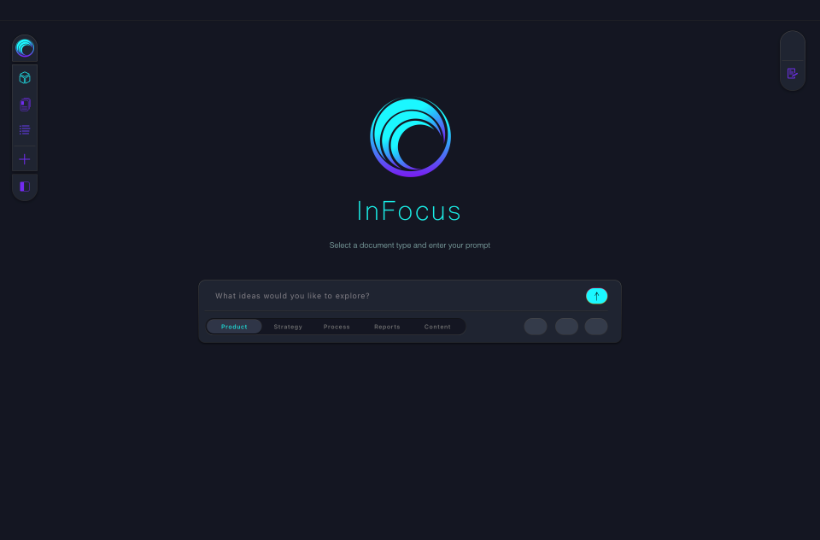
Every organization runs on documents. Business cases, process workflows, customer journeys, action plans, SOPs, compliance playbooks — IN-FOCUS generates them all. AI writes. You guide. The output is professional, structured, and ready to use the moment it's finished.

IN-FOCUS Projects
IN-FOCUS
Step 2

Documents Become Projects

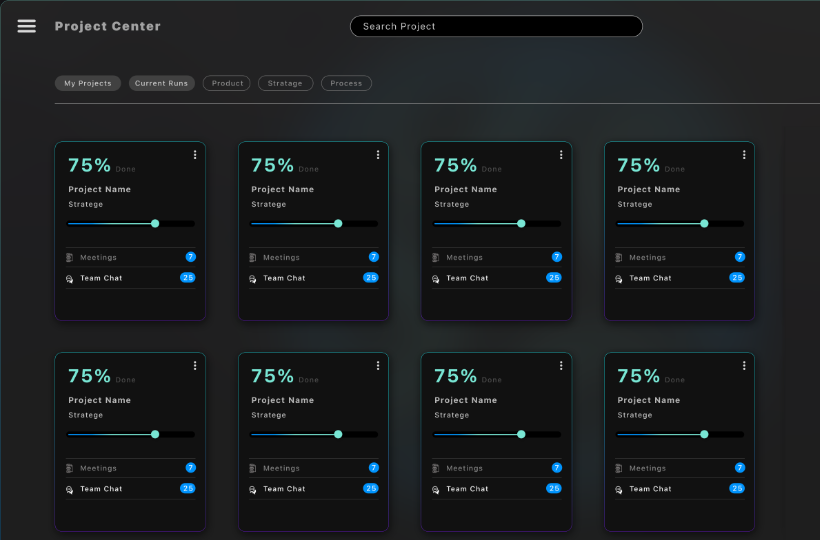
When documentation defines software, IN-FOCUS converts it into a structured project — organized by screens, features, and requirements. This becomes the blueprint KATA uses to build. Documentation flows directly into development. Nothing lost in translation.

KATA Component Studio
KATA
Step 3

Component Studio

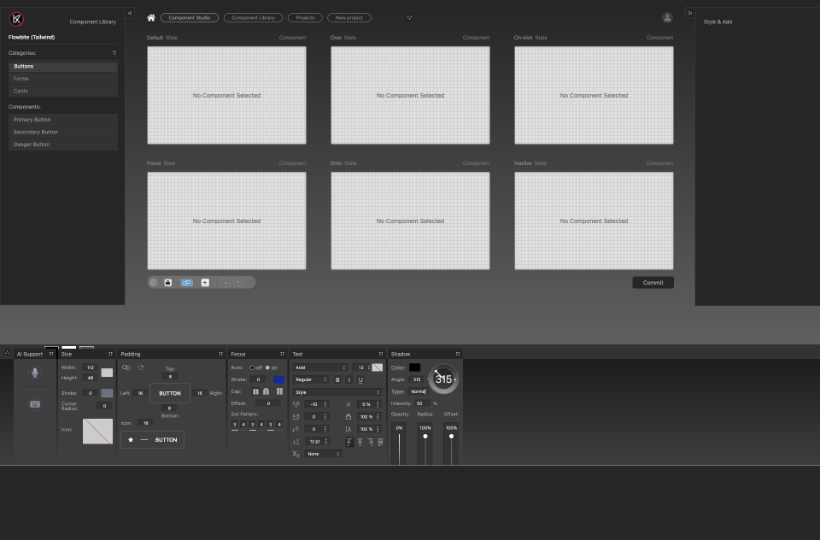
Build your component library before a single screen is assembled. Every component is designed across six interaction states — default, hover, on-click, focus, error, and inactive. Voice-enabled AI assistance is built in. Import from Figma, start with Tailwind, or choose from 20 pre-built libraries.

AI Component Suggestions
KATA
Step 4

Business Requirements

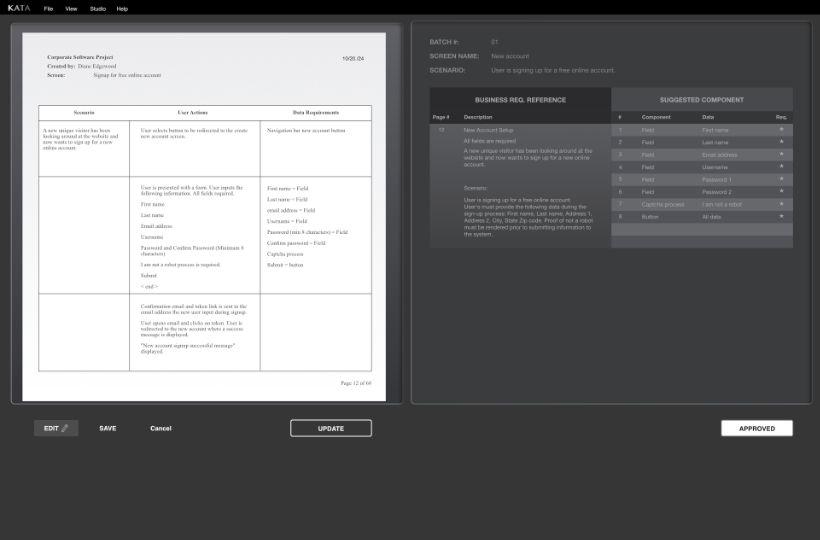
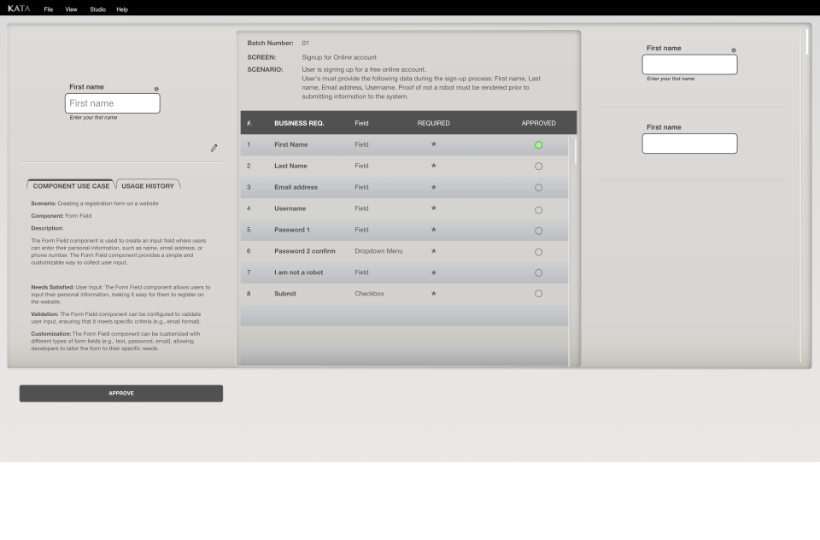
For each screen, KATA's AI analyzes the requirements and recommends components from your library. These aren't generic suggestions — the AI has full context across your business case, your project history, and every deployment on your Dashboard. It knows your business.

Human Review
KATA
Step 5

Human Reviews & Approves

Nothing gets built without human approval. The UX designer reviews every component suggestion — approving, rejecting, or requesting alternatives. AI proposes. You decide. This is what real collaboration between humans and AI looks like.

AI Builds
KATA
Step 6

AI Builds the Screen

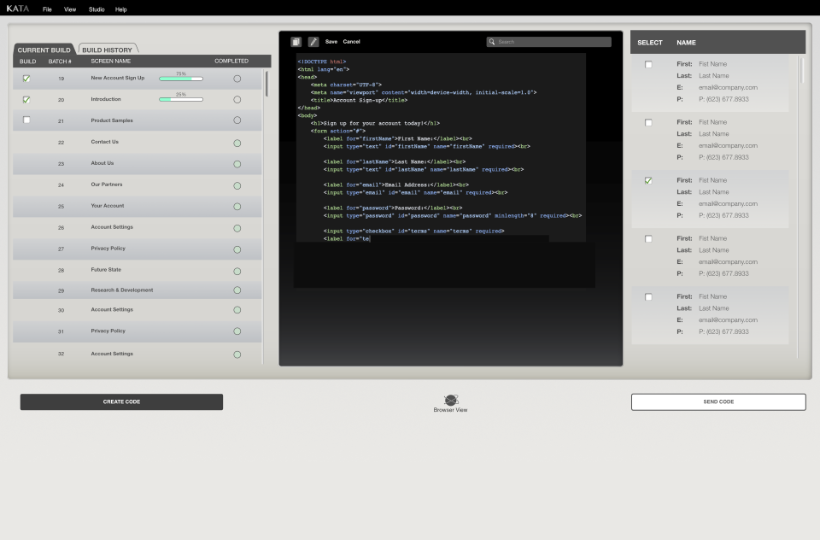
Hit Build. KATA's AI assembles the screen from your approved components — layout, interactions, data bindings. Review the output, request changes, make manual adjustments, or rebuild entirely. The heavy lifting is done. The precision is yours.

Stakeholder Review
KATA
Step 7

Stakeholder Review

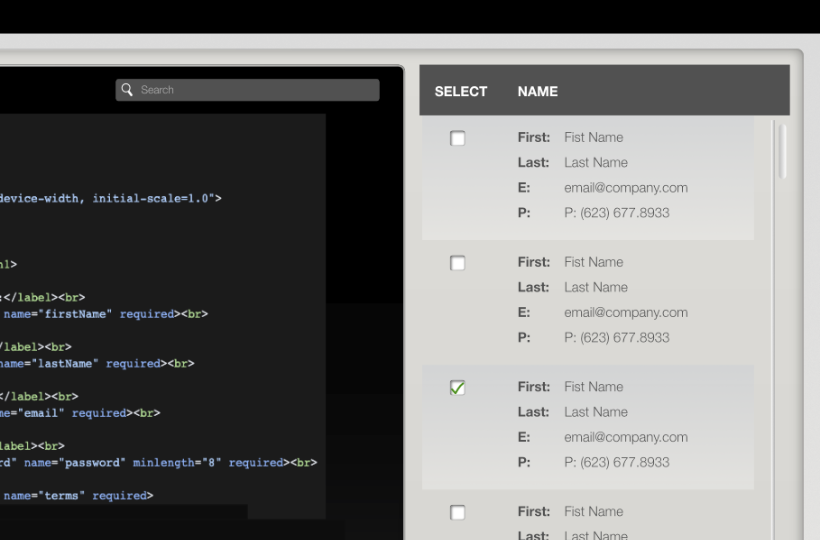
One link. Every stakeholder reviews the same build in their browser — clients, project managers, designers, developers. Feedback is collected, changes are made, approval is documented. No meetings about meetings. Full visibility.

Dashboard
KATA
Step 8

Live & On the Dashboard

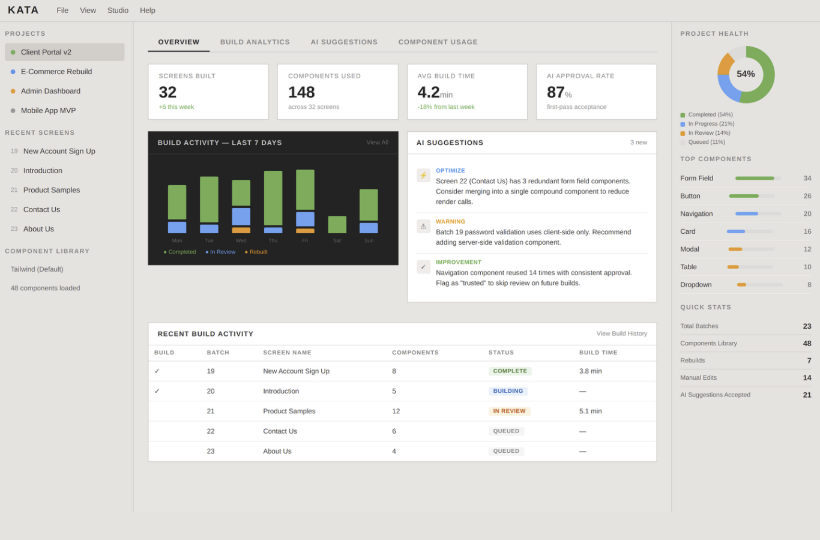
Approved code goes live and becomes a monitored asset. AI tracks performance, flags issues, and surfaces optimizations. But the Dashboard doesn't just watch — it feeds intelligence back into the entire platform. Start a new project and the AI already knows what's working, what's not, and what you should do next.

© 2026 AO8 Inc. All rights reserved — Privacy Policy and Legal